

Smart Ring Phone Compatibility: What to Check Before Buying [EN]
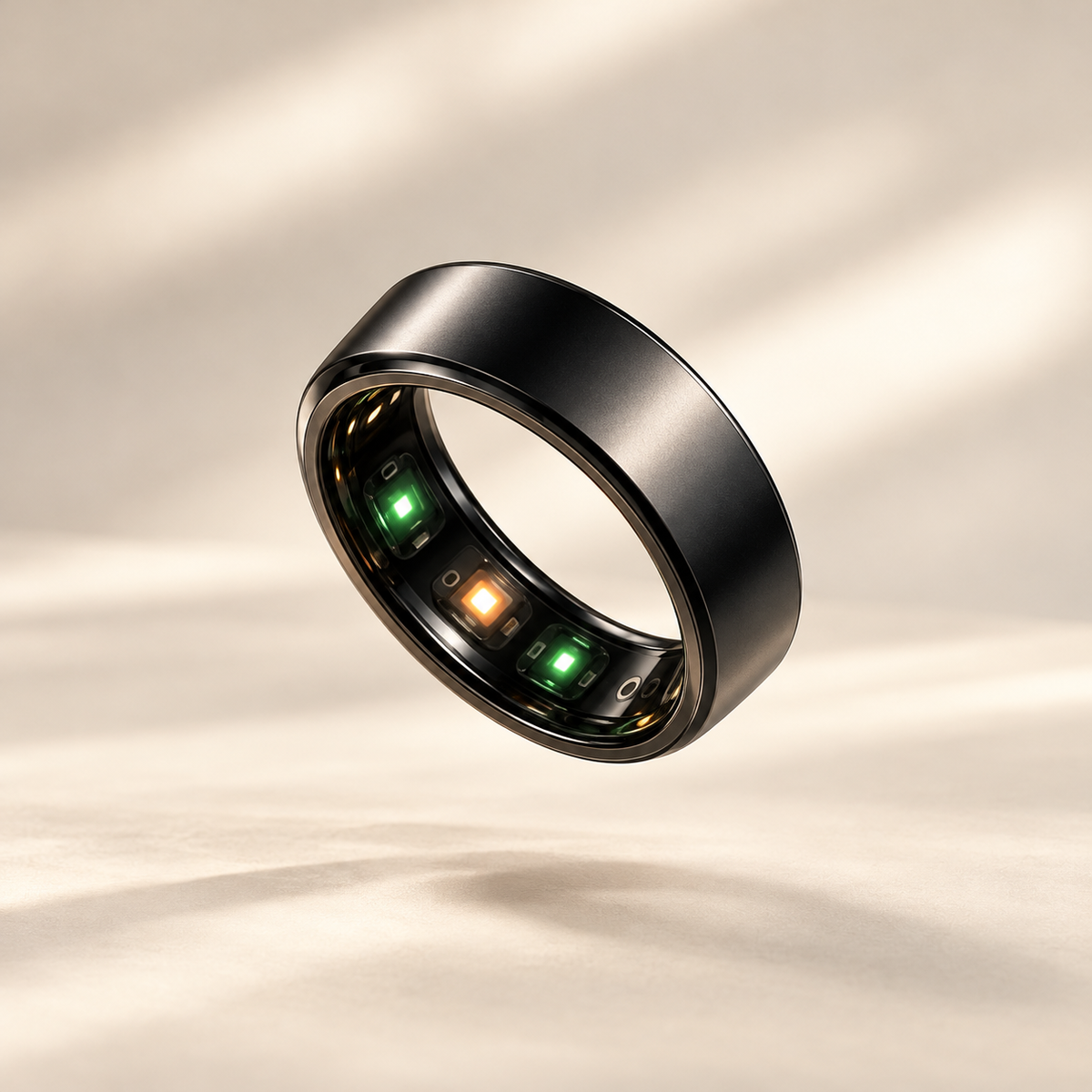
A smart ring becomes part of your routine through both the ring and the app you use to view its information. Before choosing a finish, check how that app fits your phone and your expectations. A short compatibility checklist can make the next steps clearer, from finding the correct download to understanding the permissions you see during setup.
Start with your exact phone configuration
Write down your phone model and its operating-system version. “Android phone” or “iPhone” is a useful starting point, but it does not identify the full setup. If you expect to replace your phone soon, include the planned model in your questions as well.
The VYRA Ring product page describes access to data through a mobile app, alongside sleep and recovery tracking, heart rate monitoring and daily activity tracking. Confirm the supplied app and its supported system versions for your particular phone. A phone shown in a product image is not a compatibility specification.
Find the app intended for your ring
Use the link or setup instructions supplied for the exact ring model. Compare the app’s full name and publisher with those instructions. Similar names and familiar-looking screenshots are not enough to identify the correct service.
Review the app listing for compatibility information and availability in your country. If the expected app cannot be found, ask support for the precise download link. Keeping that link with your setup notes is more useful than installing several possible apps and trying to guess which one to use.
Ask four practical questions before buying
| Topic | What to confirm |
|---|---|
| Phone support | Is my phone model and system version supported? |
| Official app | Which download link and publisher should I use? |
| Account access | Do I need an account, and how would I recover access? |
| Data information | Where can I read about storage, sharing and deletion? |
These are questions to investigate, rather than assumptions about how a particular product works. Do not presume that information stays only on your phone, is backed up online or can be exported. Check each point against the service’s own explanation, especially if it affects your buying decision.
Read permission requests as they appear
During installation and setup, read the explanation attached to a request for access. If its purpose is unclear, note the exact wording and ask support how it relates to the feature you want to use. Treat this separately from confirming that the ring and phone are compatible.
For iPhone, Apple’s guide to reviewing app access directs users to Settings, Privacy & Security, then the relevant information category. On Android, Google explains how to review permissions through Settings, Apps, the selected app and Permissions. Labels can differ with the device and software version.
Those are general phone controls, not a statement that VYRA requires any particular permission. Follow the guidance for the app actually supplied with your ring rather than assuming that another wearable’s setup is the same.
Think about how you will use the information
Picture one ordinary day. You may want to look at your night in the morning or review activity when the working day ends. Ask whether the app’s explanations are clear to you and whether you understand where the relevant information will appear. You do not need to explore every possible screen to decide what matters for your routine.
A useful message to support could be: “My phone is this model and runs this system version. Could you confirm the official app, compatibility and getting-started instructions?” Add any specific account or data question you need answered. This keeps the request focused and makes the response easier to compare with your needs.
Common questions
Does finding the app confirm every advertised feature?
Check the ring’s stated features separately from the app’s download requirements. Do not assume that availability means integration with another health or fitness service.
What comes after the compatibility check?
Once the ring arrives, follow the supplied instructions and use our first-week smart ring guide to organise your routine. If information is missing after setup, the synchronisation checklist can help you describe the problem clearly.
With your phone questions answered, explore VYRA Ring and choose a discreet addition to your everyday routine.
