

A Smart Ring at Work: Build a Simple Walking Routine [EN]
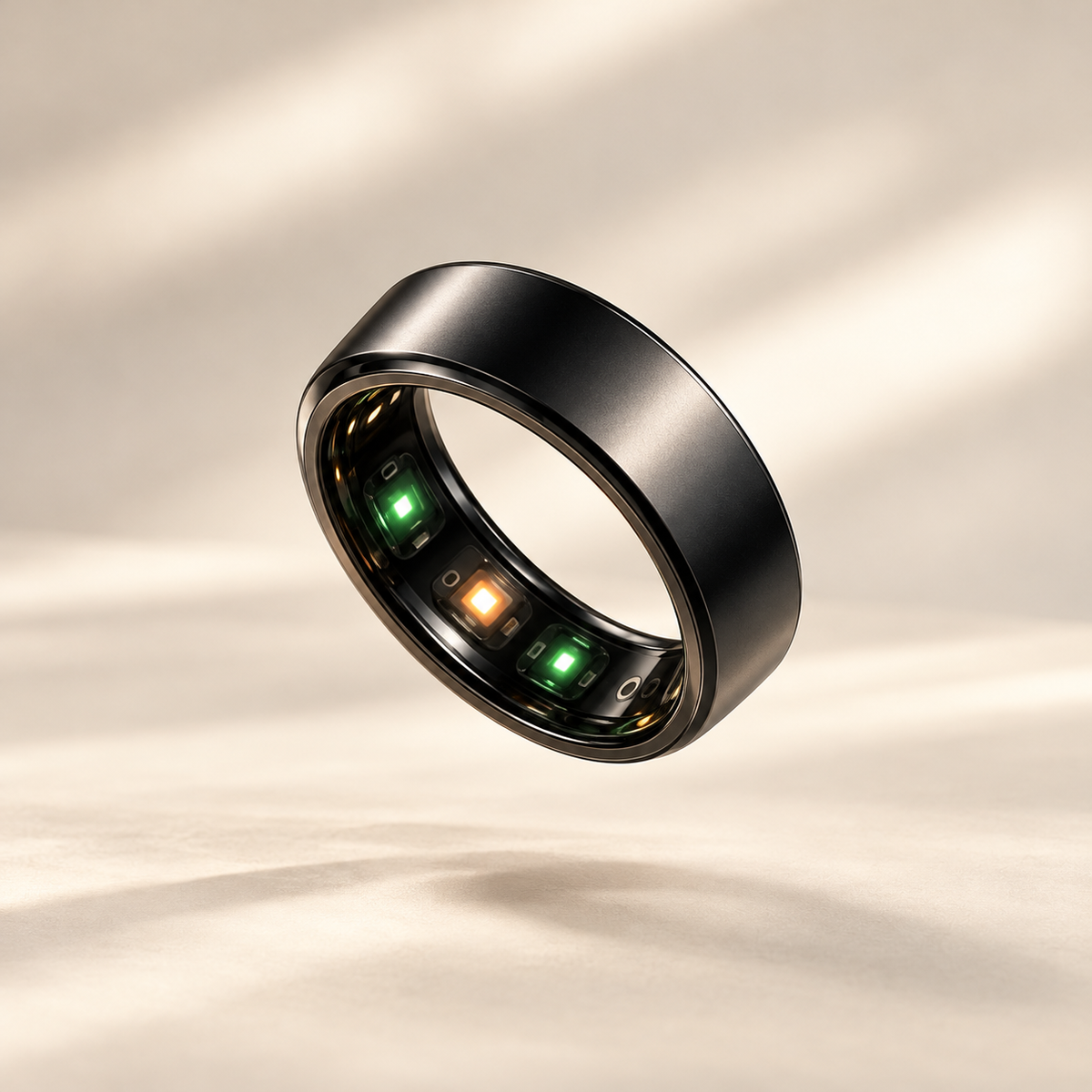
A working day can fill up with meetings, messages and focused tasks before you have decided when to leave your desk. A walking routine is easier to plan when it starts with a moment you already recognise. A smart ring can accompany your review of daily activity while you shape a routine around the way your workday actually runs.
Choose one existing transition
Look for a clear point in your day: finishing a recurring meeting, returning from lunch or completing a block of work. Pair it with a simple, accessible route that suits your circumstances. The idea is to know when you will go and where, rather than make both decisions again whenever a break becomes possible.
The World Health Organization includes everyday travel within physical activity and advises limiting sedentary time. This is a general reason to make room for movement, rather than a rule that every desk break must last a particular number of minutes.
Give the plan an easy alternative
Pick a familiar route and consider an indoor option if weather, building access or work requirements make going outside impractical. Keep both versions straightforward. You should be able to describe the plan in one sentence without designing a new schedule around it.
| Existing moment | Possible plan | Alternative |
|---|---|---|
| After a meeting | Take a short route before the next task | Use a permitted indoor route |
| Lunch break | Include a walk within the time available | Use a shorter version of the route |
| Finishing work | Include a suitable walk in the journey home | Choose the next genuinely available opportunity |
These are planning examples, not a list to complete in full. Begin with one opportunity. If it repeatedly clashes with another commitment, move it to a different transition instead of adding more reminders to an already busy day.
Decide what you want from your smart ring
The VYRA Ring product page describes daily physical activity tracking and access to information through a mobile app. Use the information actually available in your app to review your day. Do not assume a short walk will be labelled as its own workout or that every activity has a separate record.
Choose a convenient time to look back, such as after work. A brief note in your phone or notebook can add context: “Planned lunchtime walk moved to the end of the day.” This is a personal planning note; you do not need to assume that the ring’s app has a built-in journal.
Try the plan on a few ordinary workdays
- Name the moment. Write a specific sentence, such as: “After this recurring meeting, I take my short route if the situation allows.”
- Prepare the route. Check that it fits your location and available time.
- Record what happened. Note whether you used the opportunity, moved it or missed it.
- Change one thing. Adjust the timing or route when needed, then try the revised version.
For a fictional example, suppose the gap after a meeting keeps disappearing because the next call starts immediately. You switch the plan to the return from lunch. That is useful information about your schedule, even if an activity indicator does not immediately change.
At the end of the trial, ask which version was easiest to organise and which obstacles kept returning. Keep the plan you can describe clearly. You can review the idea again when your working pattern changes, without treating every disrupted day as a failed routine.
Keep the working-day context in view
A home-working day, a business trip and a day in the office offer different opportunities to move. Keep those differences in mind when reviewing your information. Our guide to comparing activity across days explains how to organise that review.
If you are new to your ring, use the first-week smart ring guide to establish the basics before adding more habits.
Common questions
Do I need the same step target every day?
For this planning exercise, start with a real opportunity to move. Any numerical goal is a separate choice and cannot describe the full context of your working day.
Will the ring remind me to take a break?
This guide does not assume that feature. You can use your usual calendar for a reminder if you want one, and check the options genuinely available in your app.
Looking for discreet daily activity tracking? Explore VYRA Ring and build a routine that fits your day.
